Connect model servers
Use local or remote endpoints through an OpenAI-compatible API. Choose a model and server for the conversation instead of tying every task to one machine.

AGENT HARNESS · IN ACTIVE DEVELOPMENT
Connect multiple local model servers, interact with agents, and run workflows across the devices you already own.
Weeyuga brings the model connection, conversation, tools, and execution loop together. Run a model on your laptop, reach another on a PC or server, and choose the endpoint that fits the work.

THE CONNECTION LAYER
Model serving and agent execution are separate pieces. Weeyuga connects them so you can work with models running on different machines.
WeeyugaAgent harnessConnect through compatible model APIs. What an agent can do depends on the selected model, its tool support, and the tools available on the execution device.
WHAT THE HARNESS DOES
Use local or remote endpoints through an OpenAI-compatible API. Choose a model and server for the conversation instead of tying every task to one machine.
Work through chat, keep conversations in threads, and give agents the context for a task. The desktop interface brings conversations and cluster controls into the same workspace.
Give agents access to configured tools for files, shell commands, web requests, and connected devices. A model supplies decisions; the harness runs the tool loop.
Combine steps in pipelines and run them through the CLI. An agenda-driven background loop can select workflows for active goals and keep a log of its runs.
INSIDE THE INTERFACE
These screens come from the existing app design exports. They show the intended chat and agent collaboration experience, with sample conversations.
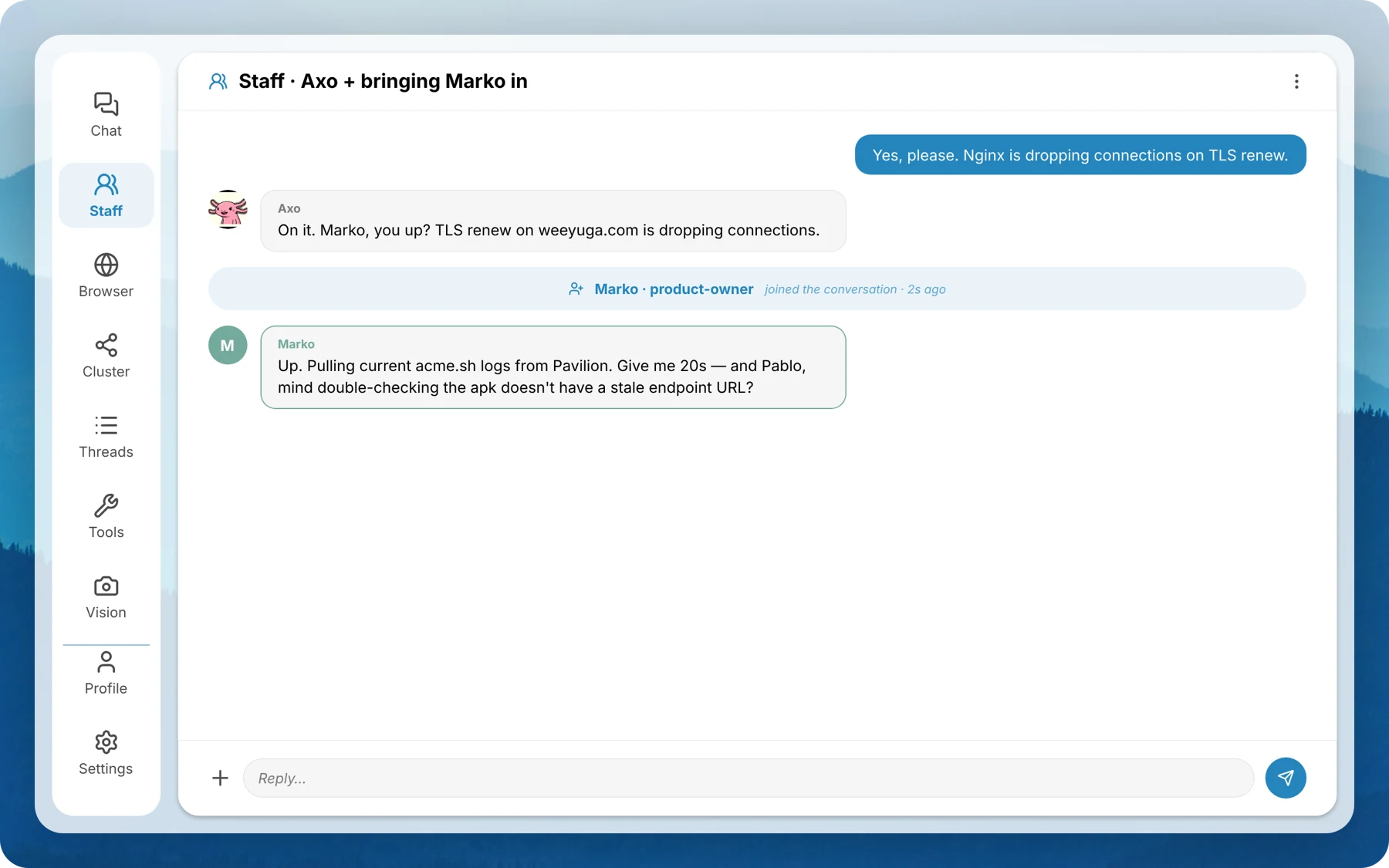
Keep the task and its conversation together.
See the machines and endpoints behind the work.
Connect conversation to actions and reusable steps.
WHERE THINGS STAND
Weeyuga is in active development. The core spans a desktop app, a headless server, CLI workflows, and an MCP interface. Mobile and watch clients are part of the wider project; support varies by surface and build.
Use local servers when you want to keep model requests on your own hardware. Remote or cloud endpoints are a configuration choice; where data goes depends on the endpoint and tools you use.
UI designs and experiments are part of the build process. This page separates design previews from the capabilities described above.
Explore published model benchmarks →FOLLOW DEVELOPMENT
Tell us which devices and model servers you use. Leave your email for updates on development and early access.
Or get in touch at office@weeyuga.com.